Franchise
How to Add a Franchise/Branch
-
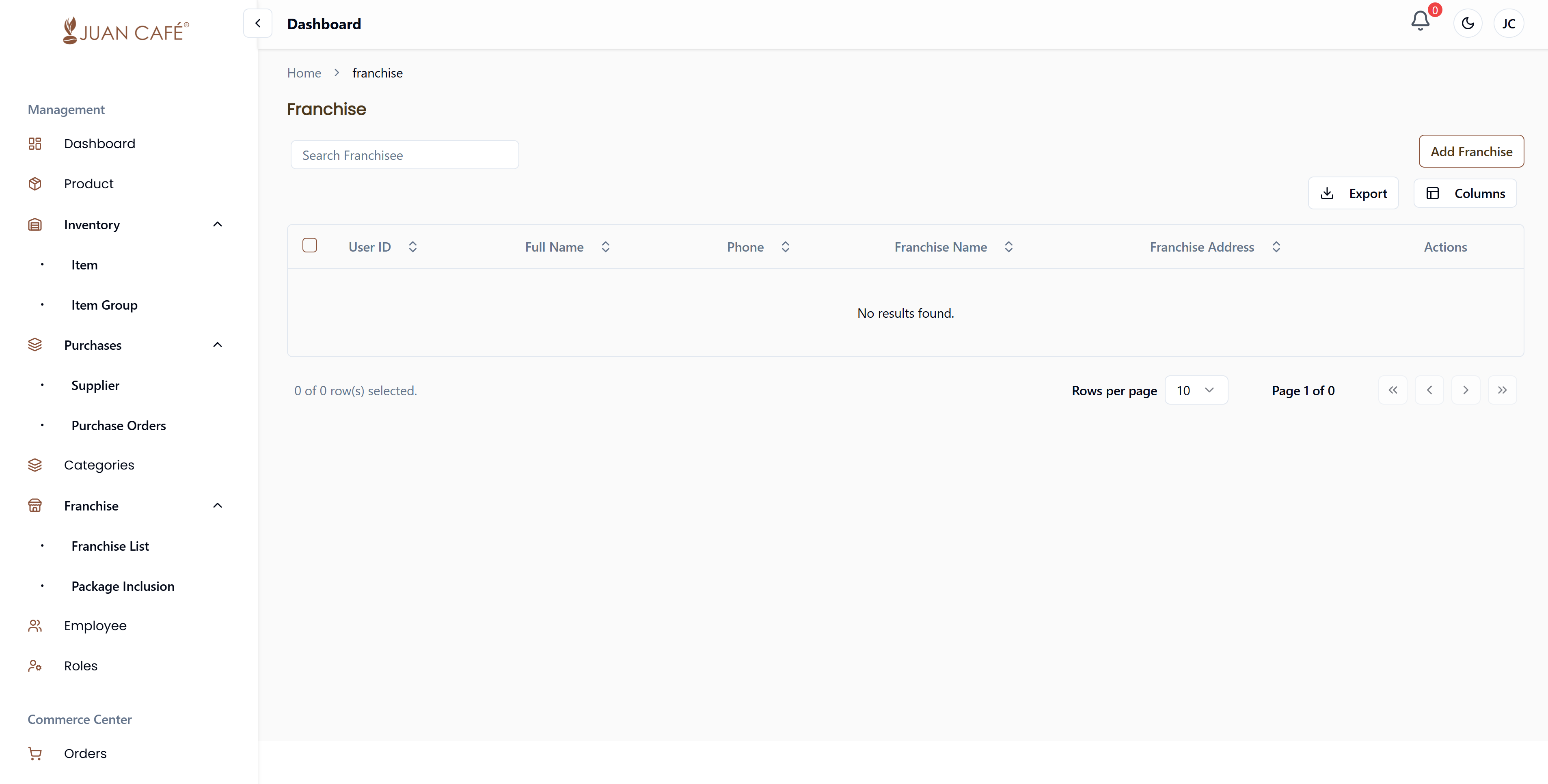
Navigate to Branch Management
-
Add a New Franchise
Click the Add Franchise button in the upper left corner.
-
Fill in Franchisee Details
Complete the form with the following information:- First Name (required)
- Last Name (required)
- Phone (required)
- Address (required)
- Email (required)
- Password (required)
-
Enter Franchise Outlet Information
- Franchise Name (required)
- Province (required)
- City (required)
- Zip (required)
- Franchise Address (required)
-
Set Franchise Contract Information
- Agreement Start Date (required)
- Agreement End Date (required)
-
Save the Franchise
Review all details and click Submit to add the new franchise.