Order
How to Monitor Orders (Queue, Pack & Shipment, Shipping, & Delivered)
-
Go to Orders
Navigate to the Orders page from the sidebar. -
Track by Order Status Tabs
At the top of the Orders page, you'll find tabs representing each stage of the order process:- Queue: Newly placed orders awaiting for processing you can review payments here and process.
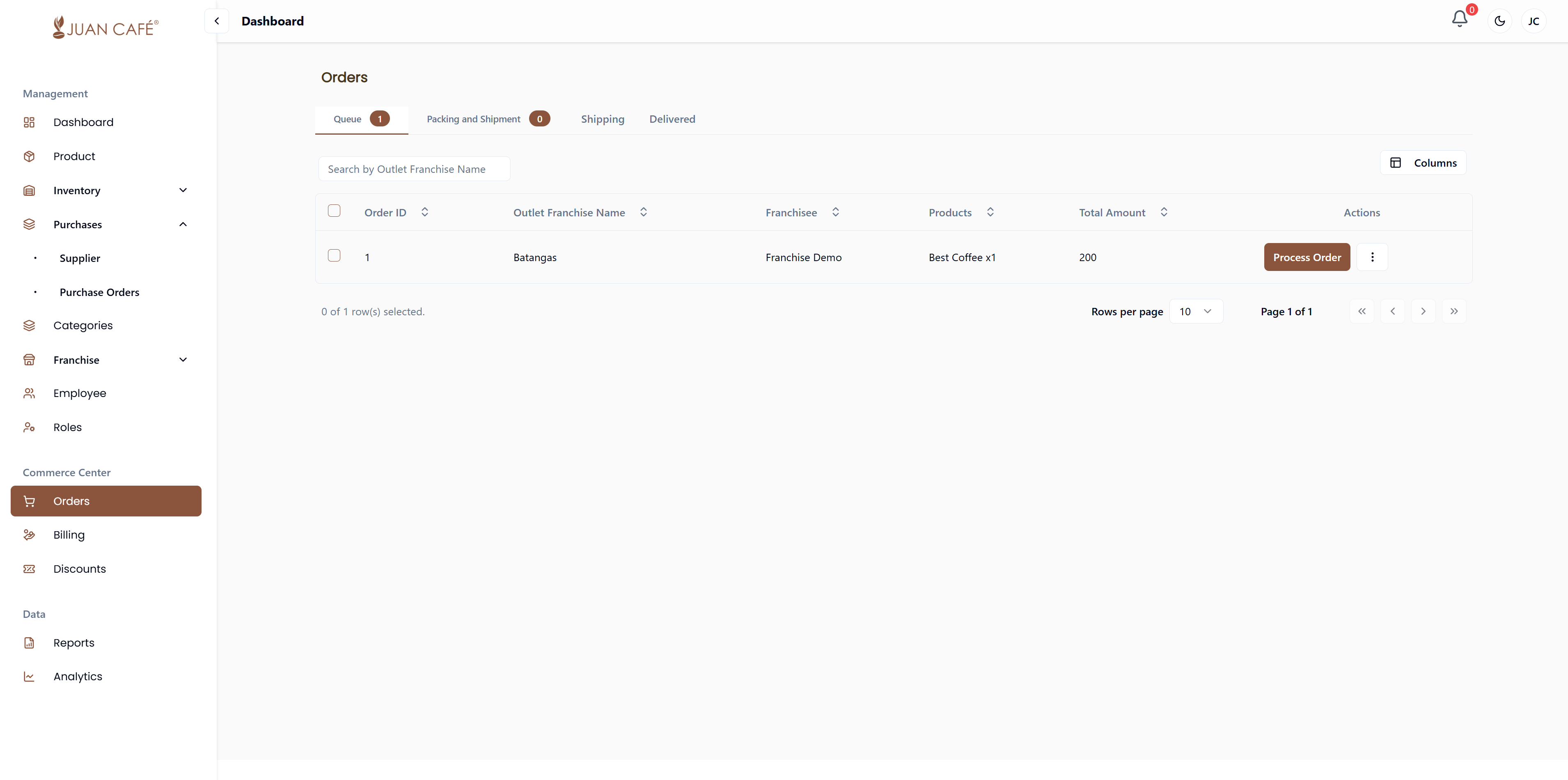
- Packing and Shipment: Orders being prepared for shipment.
- View order details.
- Pack the order and confirm packaging.
- Optionally, capture and upload photos during packing.
- Cancel orders if needed, with the option to refund as credits.
- Shipping:
- Adjust order details if necessary.
- Capture and upload photos during shipment.
- Refunded items can be credited to the customer.
- View Waybill.
- Shipped: Orders that have been dispatched.
- Track Orders .
- Queue: Newly placed orders awaiting for processing you can review payments here and process.
-
Delivered
Once an order is delivered, its status will update automatically. You can review delivery details and any associated credits or refunds.
Use these tabs to efficiently monitor, manage, and track the progress of all orders throughout their lifecycle.