Supplier
How to Add a Supplier
-
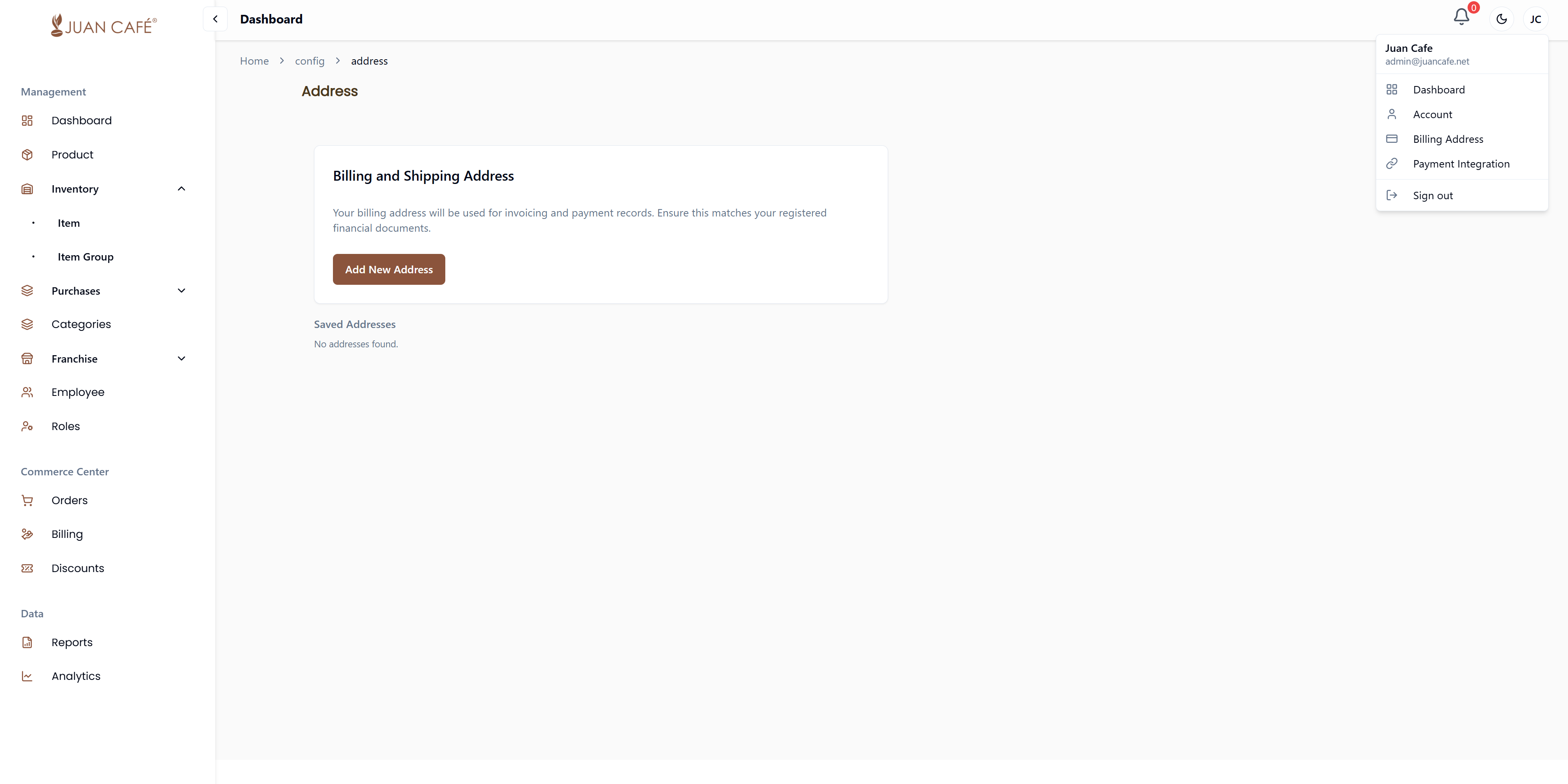
Set Up Addresses
Make sure your billing and shipping addresses are added in Settings.
-
Navigate to Supplier Management
Go to Purchases → Supplier.
-
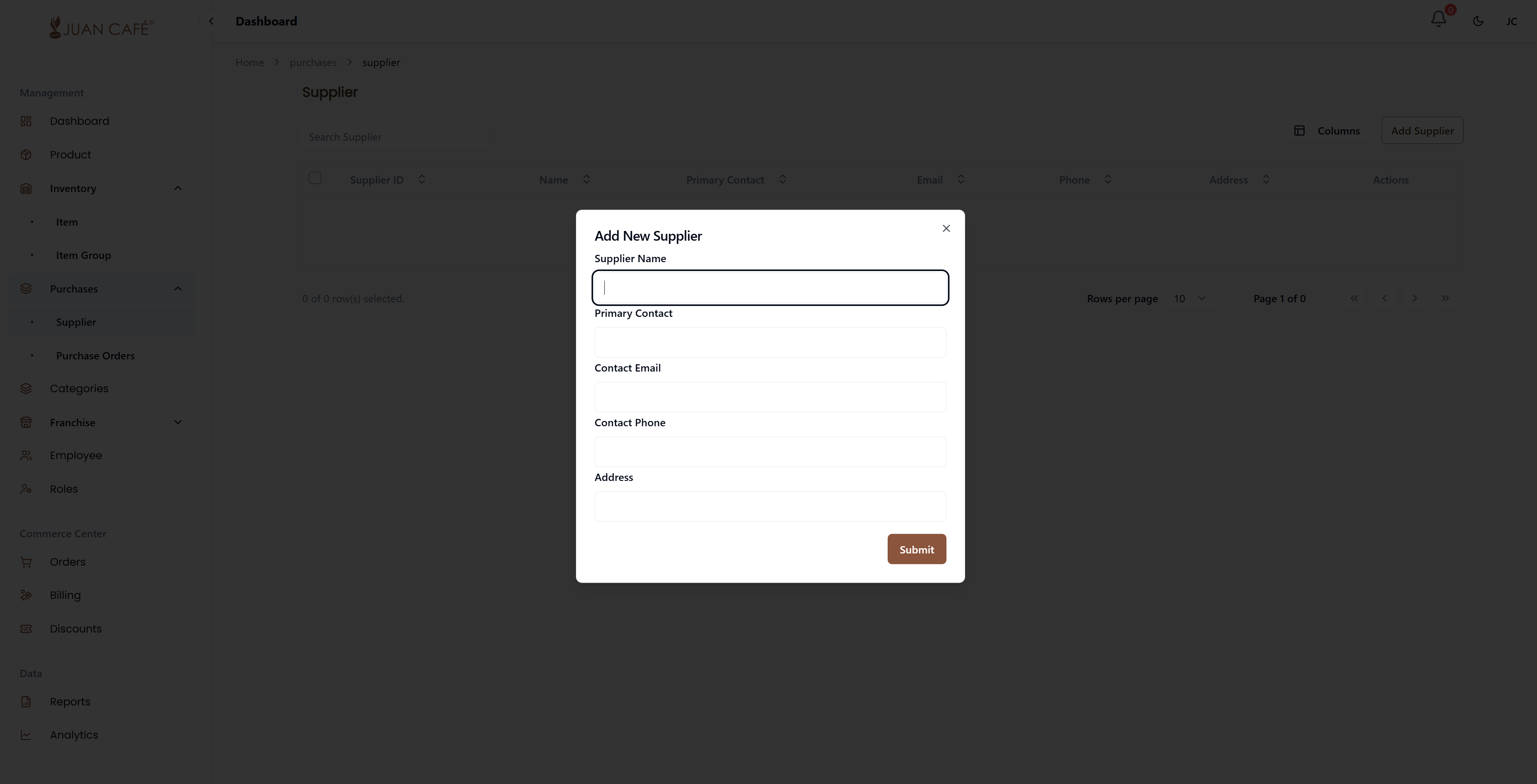
Add a New Supplier
Click the Add Supplier button in the upper right corner. -
Fill in Supplier Details
Complete the form with the following information:- Supplier Name (required)
- Primary Contact Number (required)
- Contact Email (optional)
- Alternate Contact Number (optional)
- Address (required)
-
Save the Supplier
Click Submit to add the supplier to your records.